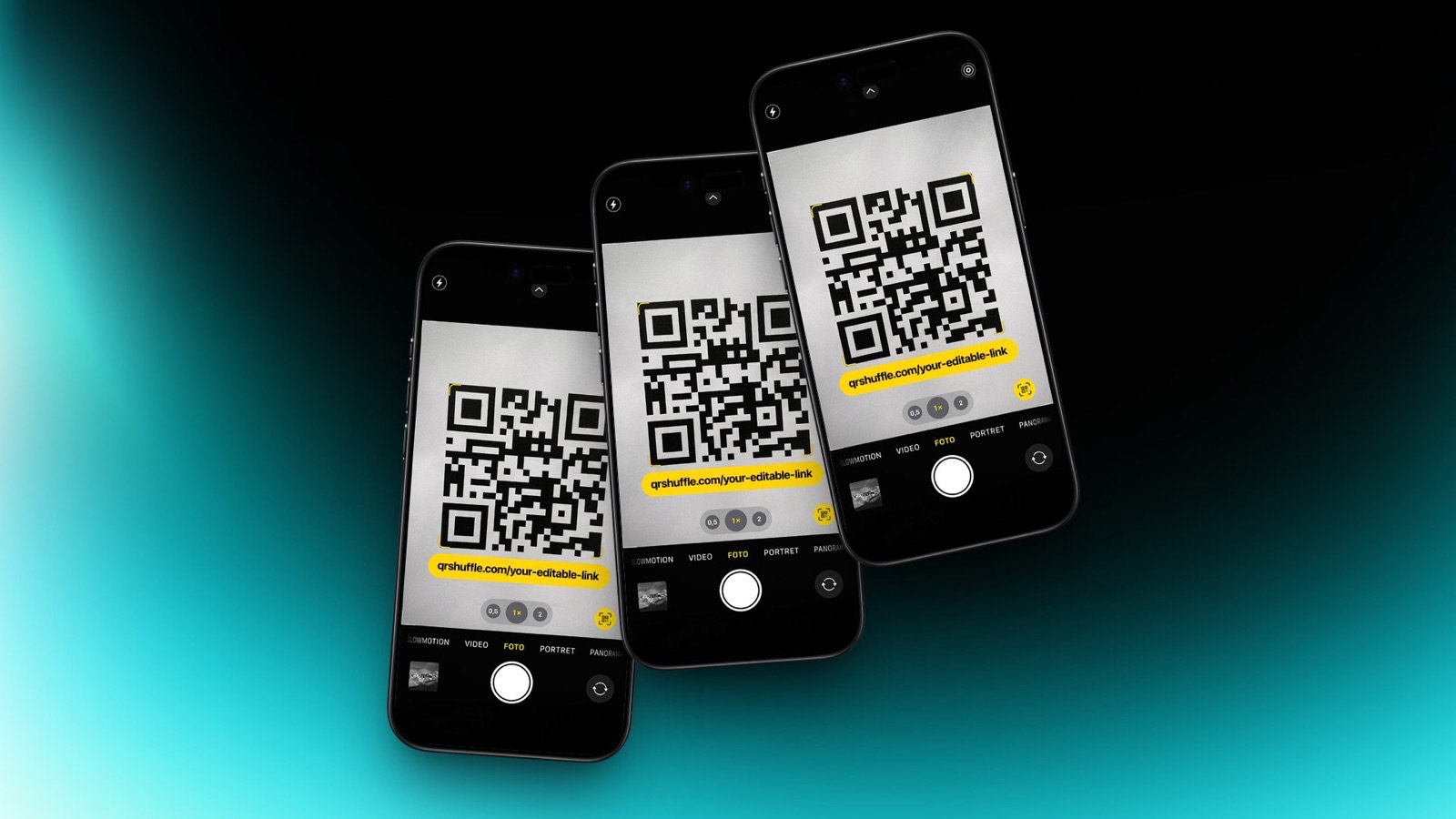
Dynamic QR Code: what it is (in plain English)
A dynamic QR code is a QR code that doesn’t encode your final URL directly. Instead, it encodes a short URL (a redirect link). When someone scans the code:
- The phone opens the short link.
- The short link redirects to your real destination (landing page, menu, form, app store, etc.).
Because the QR code only contains the short link, you can:
- edit / change the destination URL later (without reprinting)
- enable QR code tracking (scan analytics)
- run campaigns with better measurement (UTMs, device + location insights)
Dynamic vs static QR codes
Watch
The difference is simple:
- Static QR code: the destination is baked in. If the URL changes, you must print a new QR code.
- Dynamic QR code: the QR points to a redirect link you control. You can update where it goes.
If you’re printing anything (stickers, packaging, posters), dynamic is usually the safer default.
How a dynamic QR code works (redirects)
Most top-ranking explanations boil down to the same mechanism:
- A dynamic QR code stores a short URL.
- That short URL performs a server-side redirect to your destination.
This is why people call them:
- editable QR codes
- trackable QR codes
- sometimes “reusable QR codes”
They’re all describing the same core idea: the QR image stays the same, the destination can change.
What you can do with a dynamic QR code
1) Change the destination URL without reprinting
This is the killer feature.
Examples:
- a restaurant updates a menu URL
- a product campaign ends and you redirect to a new offer
- you fix a typo / broken link after printing
2) Track QR code scans (analytics)
Dynamic QR codes can track scans because the redirect endpoint can log metadata such as:
- scan count
- timestamp
- device type / OS
- approximate location (depending on implementation)
3) Add UTMs for attribution
If you want Google Analytics attribution, use UTMs on the destination URL:
utm_source=qrutm_medium=printutm_campaign=...
UTMs let you compare different posters, venues, packaging runs, etc.
When you should use a dynamic QR code
Use dynamic when:
- the QR code will be printed (hard to reprint)
- you want tracking / analytics
- you may need to edit the destination later
- you want to A/B test landing pages
Static can be fine when:
- the destination will never change
- tracking doesn’t matter
- you want a “works offline” QR for plain text (rare for marketing)
Best practices (what actually improves scan + conversion)
- Keep redirects clean (avoid chains)
- Use a fast landing page (QR traffic is impatient)
- Put a clear call-to-action next to the QR
- Test scans on iOS + Android before printing
FAQ
Can you track a static QR code?
Not reliably. Static codes don’t have a controlled redirect hop, so you can’t count scans at the QR layer.
Do dynamic QR codes expire?
They can if the service is shut off or if the redirect link stops working. Choose a provider you control.
Related reads
- Editable QR code: change the destination without reprinting
- Reusable QR code: what people mean and how to do it safely
- Dynamic vs static QR codes
QRShuffle: generate QR codes with editable links (change destinations later). https://qrshuffle.com/signup
Quick checklist
Test on iOS + Android. Use high contrast (dark code on light background). Keep a clear quiet zone.
Avoid long redirect chains. Add UTMs if you care about attribution.
Try QRShuffle
If you're printing QR codes for posters, packaging, menus, or events, use editable links so you don't have to reprint.
- Create your first QR: https://qrshuffle.com/signup
- See pricing: https://qrshuffle.com/pricing